Instagram Reels motion copy AI
Build Reels without re-filming: copy motion from a reference Reel, dance, or gesture clip onto your photo or brand avatar. PhotoToDance exports a 720×1280 vertical MP4 — Instagram’s native short-form aspect ratio.
From $0.50 per Reel-ready video · No subscription · Adults 18+
Reels motion copy — example
Reference motion + your image ? vertical MP4 you can upload to Instagram Reels.
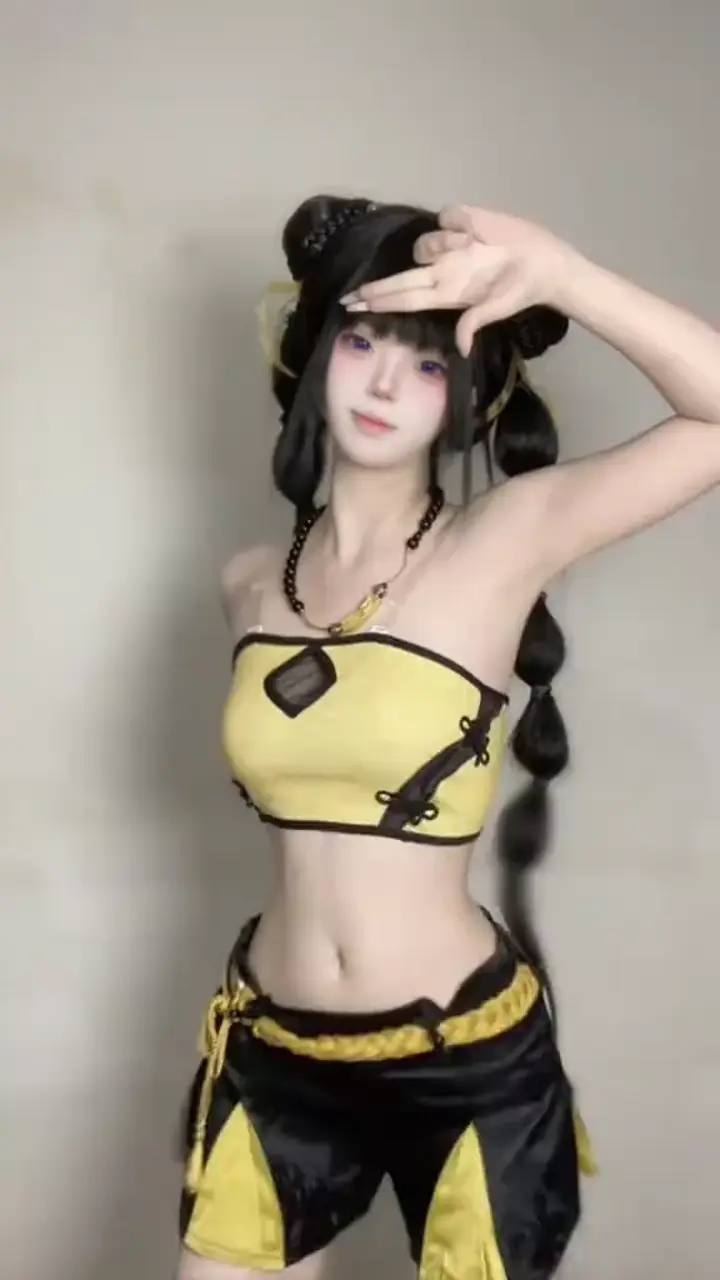
Dance, gesture, or product motion MP4
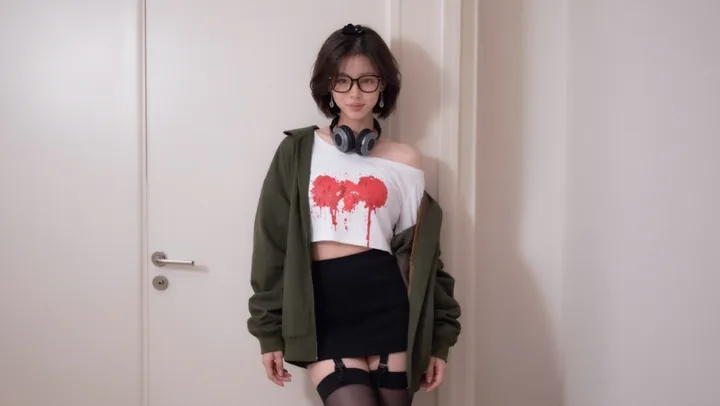
Creator photo or brand avatar
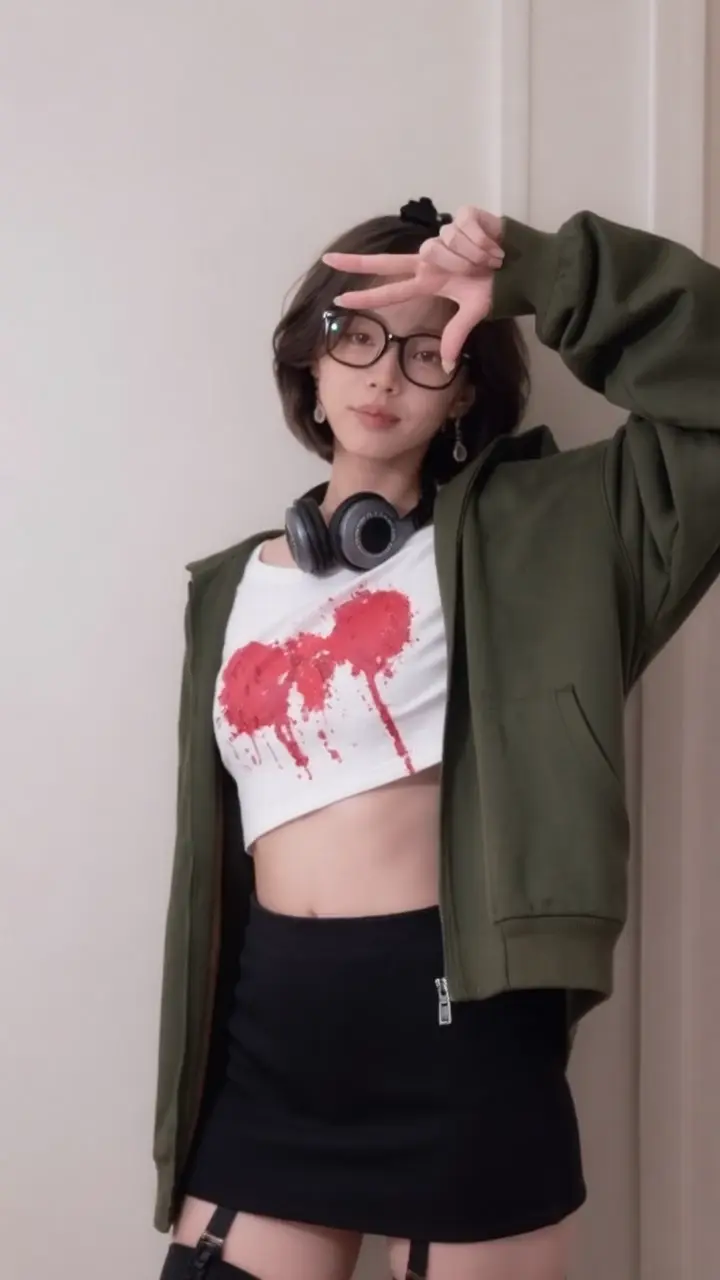
720×1280 MP4 for Instagram
How to make an Instagram Reel with AI motion copy
- Get a reference MP4. Export or save a Reel, dance, or gesture clip (=15 seconds). You must have rights to use it.
- Pick the face of the Reel. Upload a clear PNG/JPG of yourself, a model, cosplay, or brand mascot.
- Generate in Studio. In Studio, set the clip as reference video and the photo as character image, then generate.
- Post to Instagram. Download the vertical MP4 ? Instagram ? Reels ? upload. Add trending audio, captions, and stickers in the Instagram editor.
Why creators use Reels motion copy
- Stay on-trend without a camera crew — reuse proven motion patterns on your likeness
- Brand avatars & UGC-style ads — one gesture clip ? many face variants for testing
- Cross-post once — same 9:16 file works on Reels, TikTok, and YouTube Shorts
- Pay per successful video — no monthly Reels subscription; see pricing
Filming yourself vs motion copy for Reels
| Film a Reel yourself | PhotoToDance motion copy | |
|---|---|---|
| Setup | Location, lighting, takes, editing | Reference MP4 + one still photo |
| Motion | Whatever you can perform on camera | Exact timing from the reference clip |
| Variants | Re-shoot for each look / outfit | Swap the photo; reuse the same motion |
| Output | Depends on your camera crop | Always 720×1280 vertical MP4 |
Reels posting checklist
- Keep references short (5–10s) — sharper results and lower credit cost
- Prefer upright, well-lit photos; avoid heavy filters that hide limbs
- Add Instagram’s trending audio in-app (PhotoToDance transfers motion, not the original soundtrack)
- Hook in the first second — crop your reference to the strongest motion beat
Related guides
Dance-first overview: photo dance AI. TikTok posting flow: how to make a photo dance on TikTok. Cosplay / OC animation: AI character animation.
Instagram Reels motion copy — FAQ
Is the output Reels-ready?
Yes — every generation outputs a 720×1280 vertical MP4. Download from Studio and upload directly to Instagram Reels (and TikTok or YouTube Shorts if you cross-post).
Can I copy motion from an Instagram Reel?
Export or save the Reel as MP4 (up to 15 seconds) and use it as your reference video. You must have rights to use the source material. PhotoToDance copies motion, not the original person’s identity.
Does the video include Instagram audio?
No — you get a silent or motion-only MP4 depending on pipeline defaults. Attach trending audio, voiceover, or music inside the Instagram Reels editor after upload.
How much does a Reels video cost?
8 credits per second of reference video, 50 credits minimum (~$0.50). A 10-second clip costs about 100 credits. Failed jobs are not charged. See Pricing.
Do credits expire?
Wallet credits are not tied to a subscription cycle. Top up when you need more generations. Plans and packs are on the Pricing page.
Is this only for dance Reels?
No — any short motion works: dances, hand gestures, product demos, pose sequences. For dance-specific language see photo dance AI; for TikTok posting see TikTok dance AI.