How to make a photo dance on TikTok
PhotoToDance is an AI TikTok dance generator: copy viral choreography from a reference clip onto your photo, download a 720×1280 vertical MP4, and post to TikTok — without filming yourself.
From $0.50 per video · No subscription · Adults 18+
TikTok dance AI — example flow
Same pipeline creators use for trends: reference dance ? character photo ? vertical MP4.
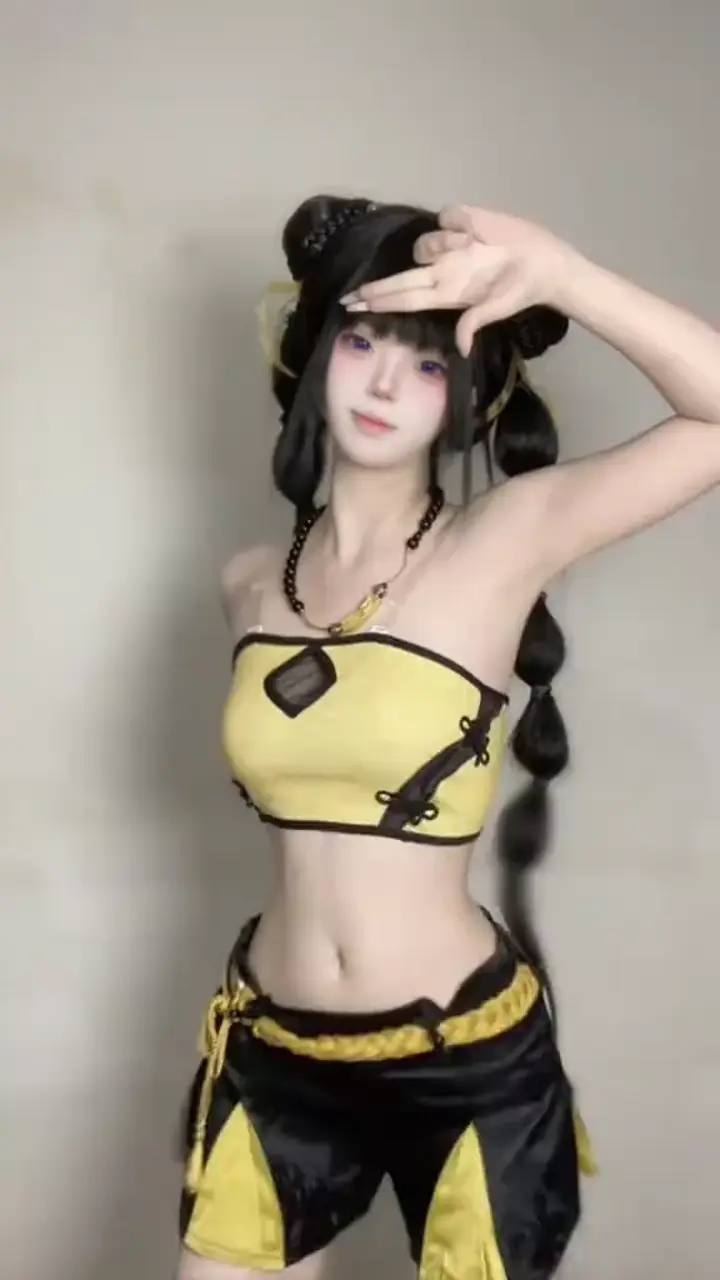
Trend / dance MP4 (=15s)
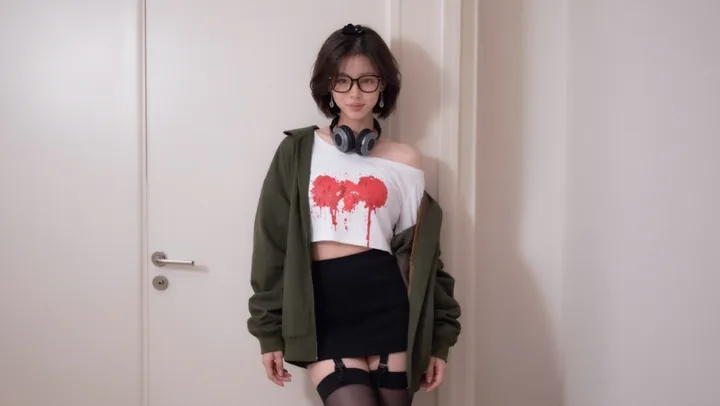
Cosplay, OC, or influencer still
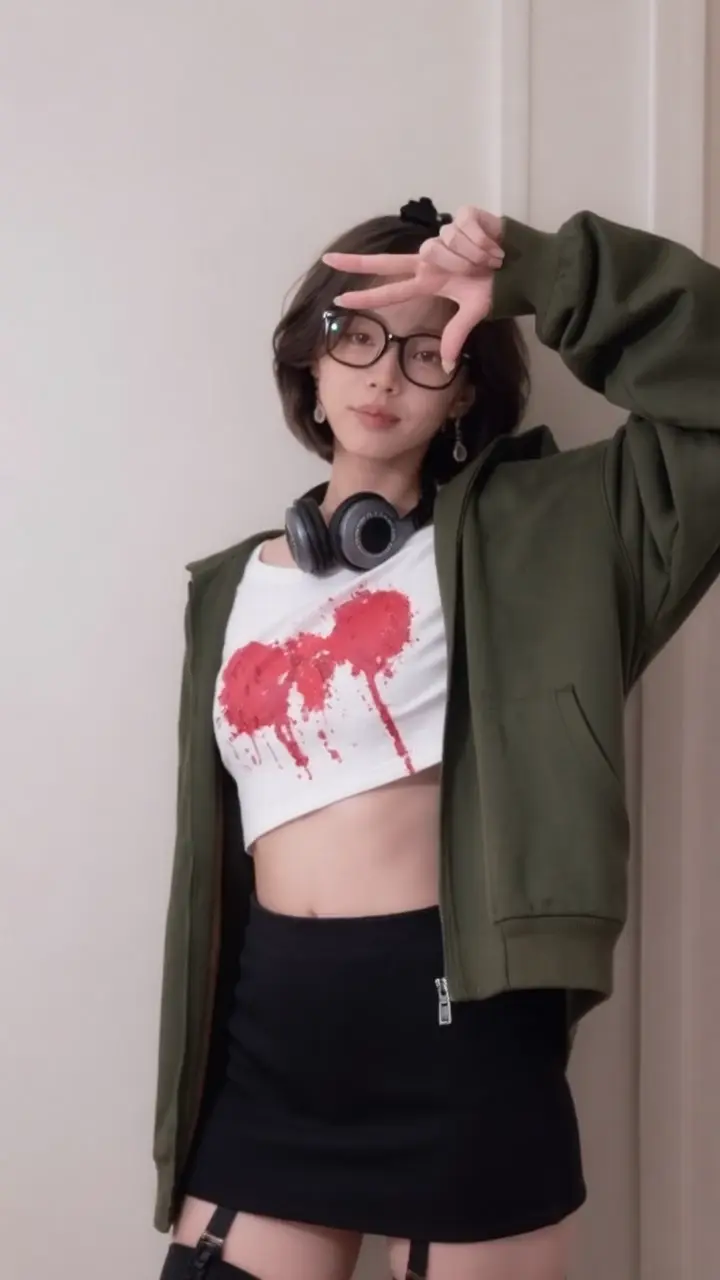
720×1280 for TikTok upload
Step-by-step: make a photo dance on TikTok
- Pick the trend. Find the TikTok dance you want to copy. Save or export it as MP4 (up to 15 seconds). You must have rights to use the reference material.
- Choose your photo. Use a clear PNG or JPG of your character, cosplay, or subject — full-body or upper-body with a readable pose.
- Generate in Studio. Sign in at Studio, upload the dance MP4 as the reference and your photo as the character image, confirm credits, and generate.
- Download & post. Download the 720×1280 MP4, open TikTok, upload the video, add the original sound / captions if needed, and publish.
Why TikTok dance AI motion copy beats text prompts
- Exact choreography — output follows the reference clip’s timing and moves
- Trend-ready format — 720×1280 vertical MP4, built for TikTok and Reels
- No filming required — use any trending dance MP4 as the motion source
- Pay per video — wallet credits, no subscription; see pricing
Tips for TikTok dance trends
- Trim the reference to the cleanest 5–10 seconds of the dance (cheaper and sharper)
- Match camera distance: if the trend is full-body, use a full-body photo
- Post with the trending audio on TikTok when you have rights / the sound is available
- Batch a few character variants from the same clip for more posts without re-filming
Related use cases
New to the product? Read the photo dance AI guide. Also explore Instagram Reels motion copy and AI character animation from video.
TikTok dance AI — FAQ
How do I make a photo dance on TikTok?
Export the TikTok dance as MP4, upload it with your photo in Studio, generate a 720×1280 vertical video, then upload that MP4 to TikTok. PhotoToDance copies the dance motion onto your image — you don’t need to film yourself.
Can I use any TikTok dance as a reference?
Yes — upload any MP4 dance clip up to 15 seconds. You must have rights to use the reference material. PhotoToDance copies the motion, not the original dancer’s likeness.
What image format works best?
PNG or JPG of your character, influencer, or cosplay subject. Full-body or upper-body photos with clear pose work best for dance motion transfer.
How much does one TikTok dance video cost?
Pricing scales with clip length: $0.08 per second, $0.50 minimum. A 5-second dance costs about $0.60. See full details on the Pricing page.
Do I need to sign in?
Yes — sign in with Google, top up wallet credits, then generate in Studio.
Is this the same as a photo dancing app?
Yes — PhotoToDance is a photo dancing app focused on TikTok-ready vertical output. The general guide lives at photo dance AI; this page is the TikTok workflow.